Locate the event
Use the site view and camera context to identify the affected area.
Explore a facility, check an alarm against live visuals and find the asset information needed to plan maintenance—all from one operational view.
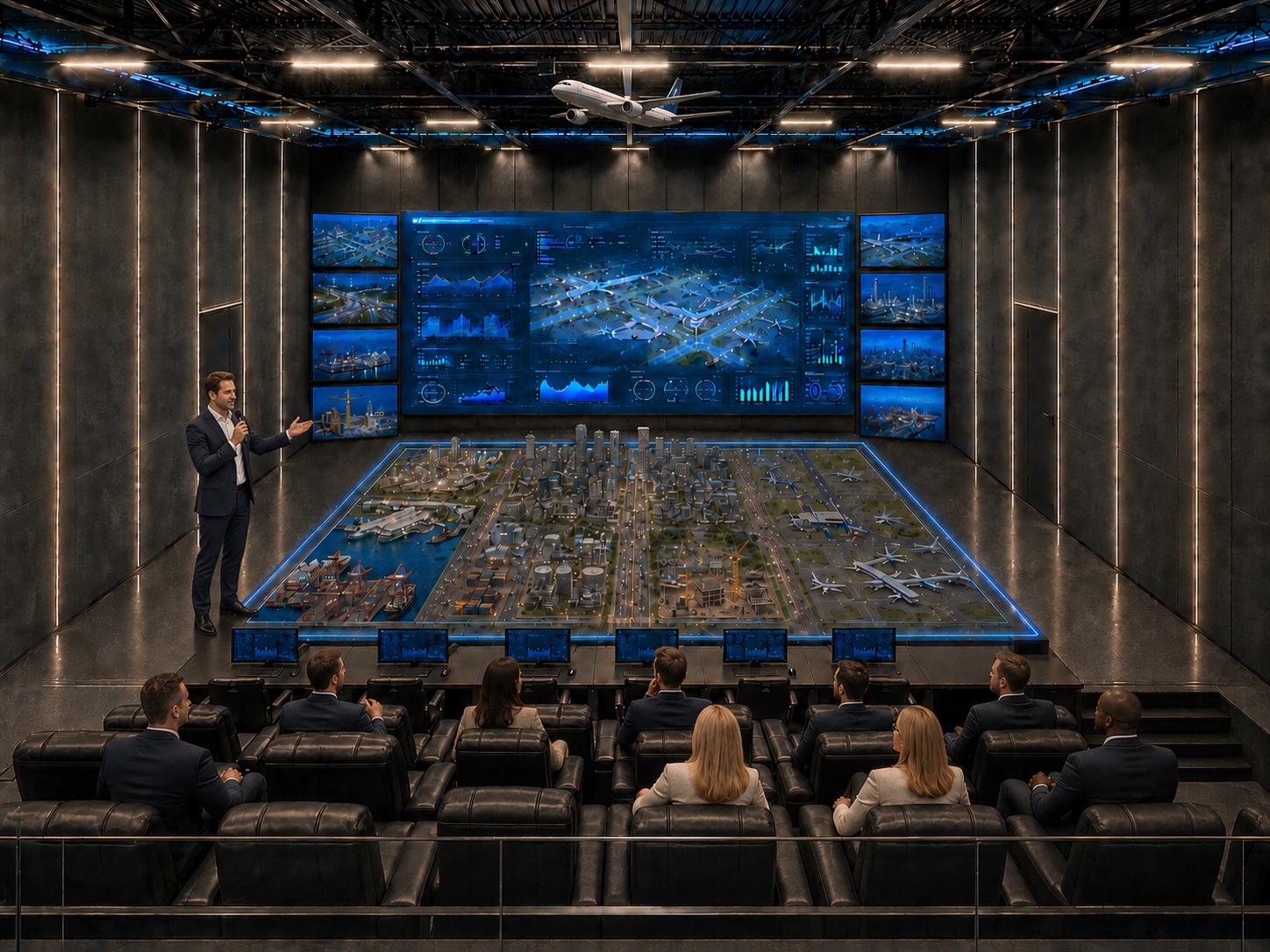
See the model table, display wall and operator seating in this supplied visualisation. For a demonstration of software workflows, request a tailored session with our team.
The camera moves around a command centre concept with a central scale model, a large display wall and tiered seating. It shows the room from above, from the operator viewpoint and from the side. This tour illustrates the physical presentation environment; it does not show live camera navigation, sensor queries or maintenance actions.
Explore the workflow to discuss in your tailored software demonstration. Available interfaces and functions are confirmed for your project.
Use the site view and camera context to identify the affected area.
Select a tagged asset and review its identity and related records.
Compare sensor readings and system alerts where those interfaces are connected.
Consult maintenance information and agree the next action with your team.
OmniTwin AI connects live 360° visuals, equipment records, sensor readings and operational systems. The objective: fewer avoidable site visits and faster investigation, with results measured against your project baseline.
Explore the building blocks of your live digital twin.
Navigate your environment with live visual context.
Explore layer →02Connect equipment locations with the information your team needs.
Explore layer →03Bring sensor readings directly into the visual environment.
Explore layer →04Bring operational systems, alarms and maintenance information into one view. Integration scope depends on available interfaces and project requirements.
Explore layer →05Support situational awareness with visual safety alerts.
Explore layer →Navigate live 360° visuals to understand the operational context.
Locate equipment through visual tags and unique asset IDs.
View IoT readings and integrated system data in context.
Examine alarms and anomalies with visual context.
Access manuals, specifications and maintenance history for the asset.
Explore the OmniTwin AI command and control approach, PanoRM 360 and the five connected solution layers in our 2026 brochure.
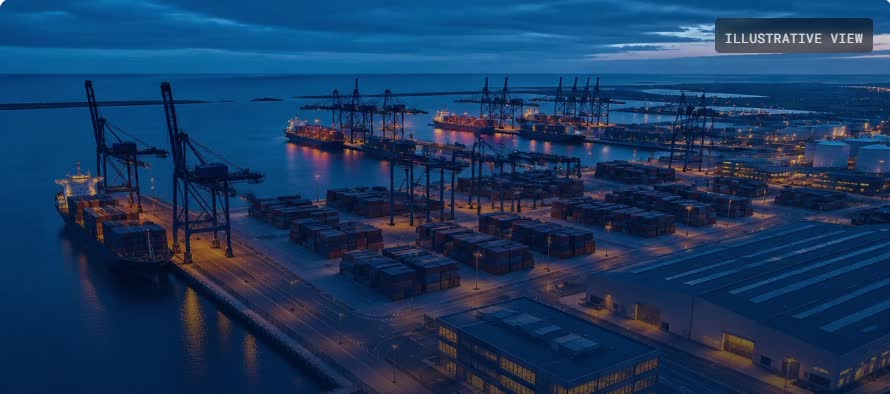
Tell us about your site, systems and the visibility you need.
Request a Demo